

Adding and linking automation blocks
There are multiple ways in which you can add blocks to your automation and connect them with each other.
Table of contents
1. Add block at the edge of automation
You can add a new block at the edge of the automation.
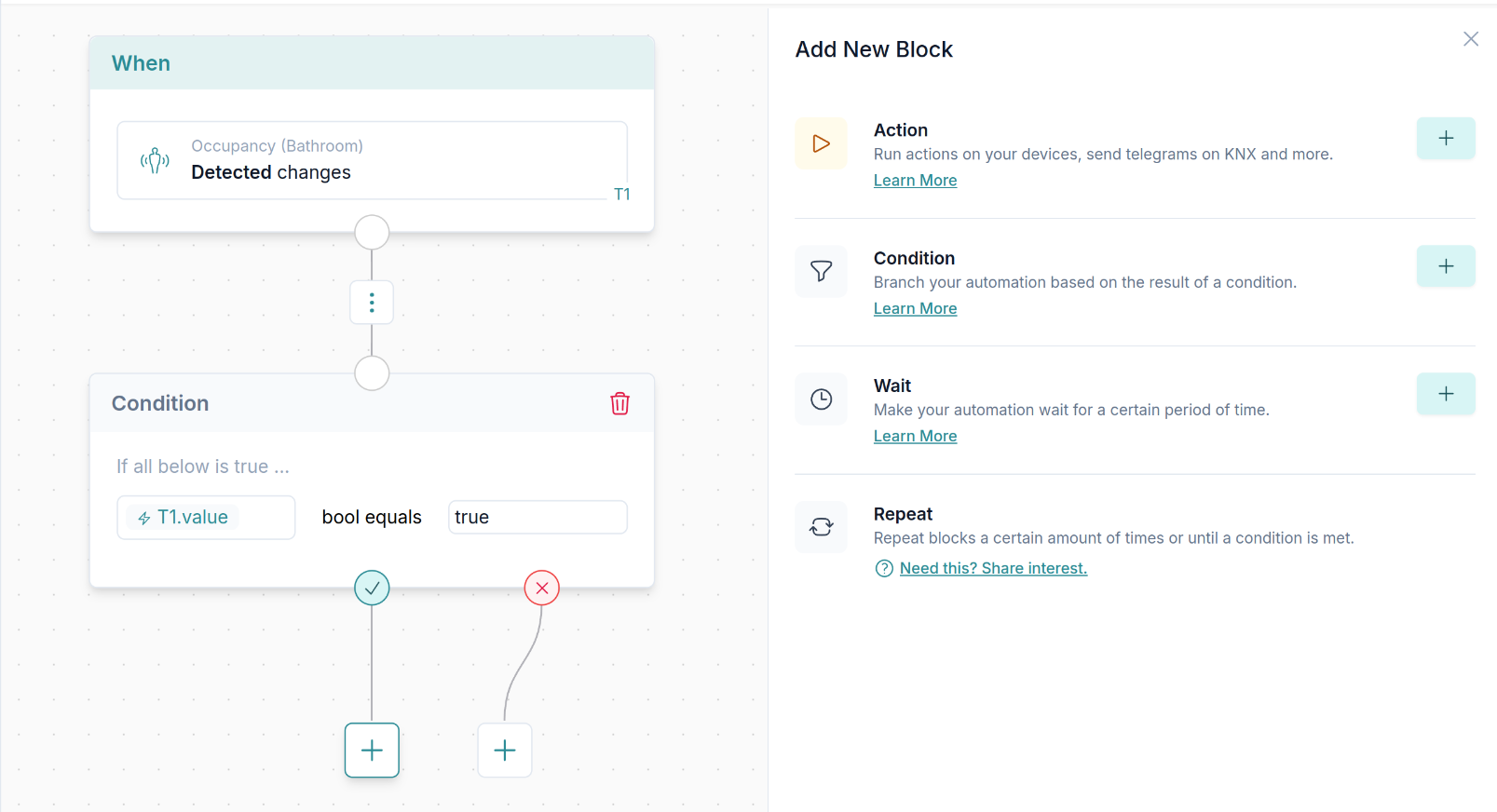
2. Add block in between two blocks
You can add a new block between two other blocks.
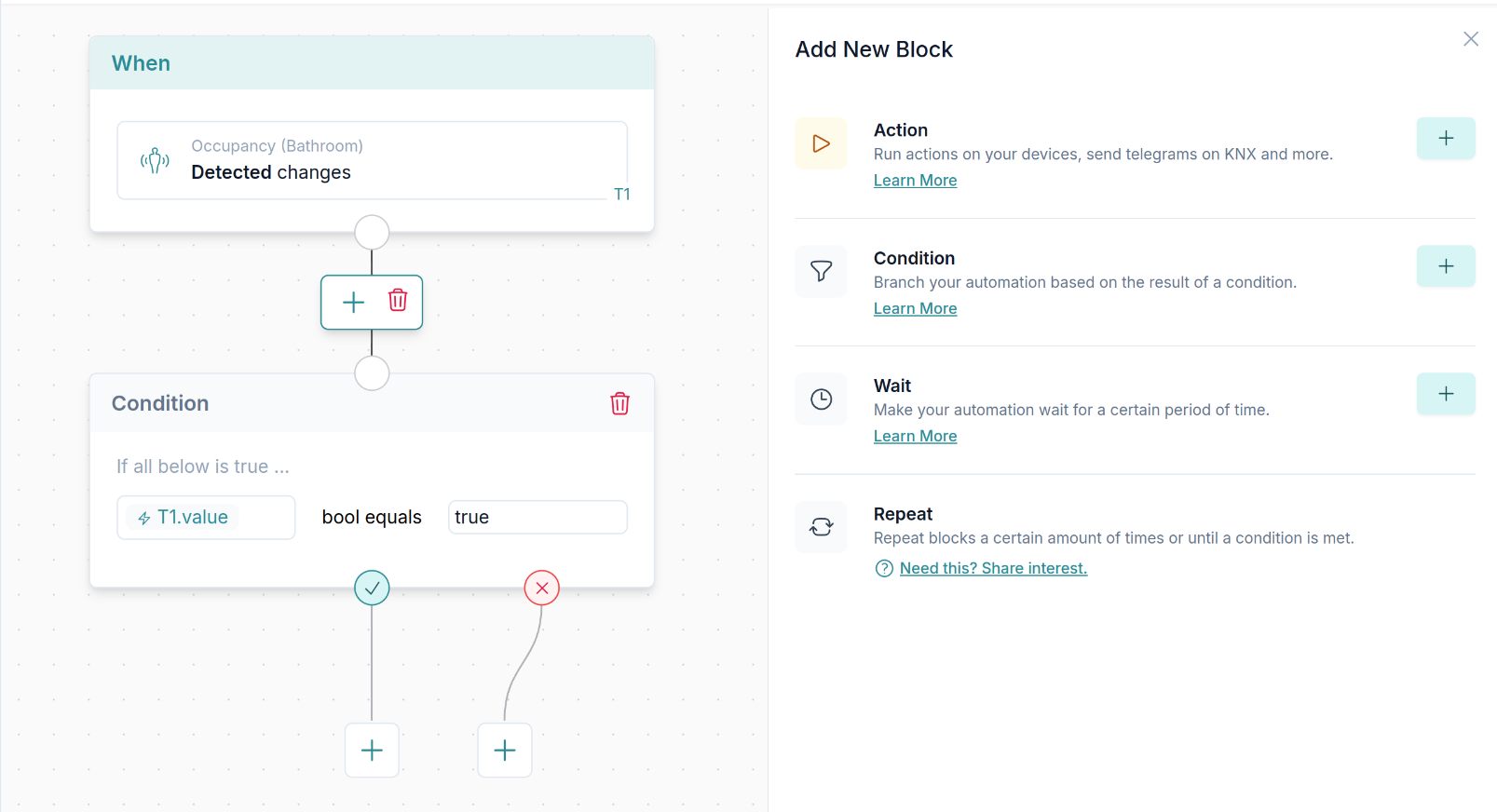
3. Change the connection of blocks
You can change the connection between blocks by simply drag and dropping the connection. See the video below.